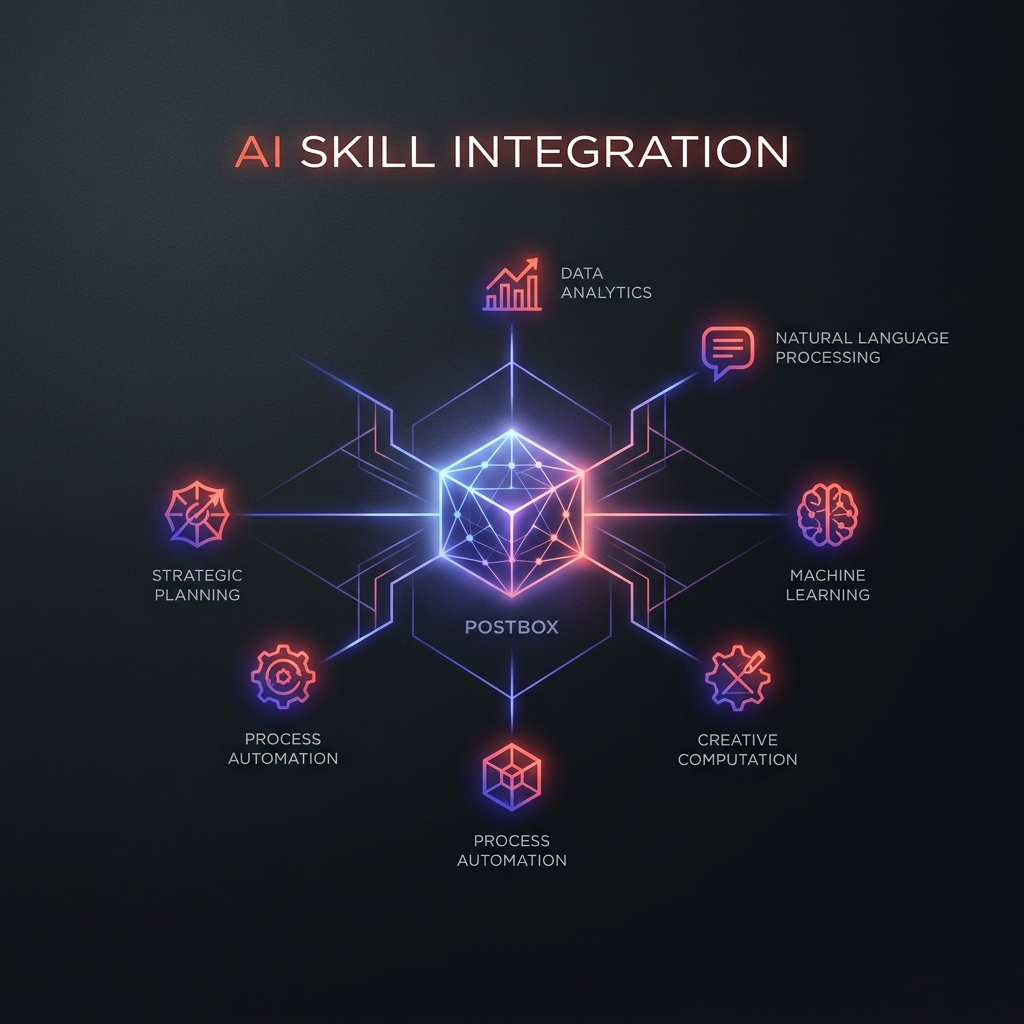
The Postbox Skill is a set of operational instructions and tools that give your coding agent the ability to manage form infrastructure directly from your workspace. This post serves as the exhaustive technical reference for the skill's capabilities.
Why use the Postbox Skill?
Standard coding agents are limited by the boundaries of your local filesystem. They can write the UI for a form, but they cannot "finish" the feature because the backend (validation, spam filtering, routing) exists in a separate service.
The Postbox Skill breaks this boundary. It gives your agent Operational Context—the ability to provision, inspect, and wire live form infrastructure as part of its coding task.
Exhaustive Tool Reference
Once installed, your agent gains access to the following 17 tools. These map directly to the Postbox core API.
1. Form Management (CRUD)
forms_list: List all forms owned by you.forms_get: Retrieve a specific form and its JSON schema.forms_create: Provision a new form (slug, name, visibility).forms_update: Evolve a form's schema, visibility, or AI settings.forms_delete: Soft-delete an existing form.
Example Prompt: "Create a 'waitlist' form with 'email' (required) and 'use_case' (string). Once created, update it to enable intelligent spam protection."
2. Submission Intelligence
submissions_list: Query submissions with filtering (spam,inbox,all).submissions_get: Retrieve full payload and metadata for a single entry.submissions_delete: Remove a specific submission.
Example Prompt: "Check the last 5 submissions for the 'contact' form. Summarize what the users are asking for."
3. Routing & Destinations
destinations_list: List all linked Slack, Discord, or Webhook targets.destinations_create: Wire a form to a new notification channel.destinations_delete: Unlink a destination.destinations_regenerate_secret: Reset the signing secret for a Webhook.
Example Prompt: "Link my 'feedback' form to a new Discord webhook at https://discord.com/api/webhooks/..."
4. Knowledge & AI Replies
knowledge_bases_list: List your available knowledge bases.knowledge_bases_get: Retrieve the content of a specific KB.knowledge_bases_create: Upload new docs/FAQs for AI replies.knowledge_bases_update: Update existing KB content.knowledge_bases_delete: Remove a knowledge base.
Example Prompt: "Create a new knowledge base named 'Pricing FAQ' with the following text. Then, update my 'Sales' form to use it for smart replies."
Installation & Setup
# Using OpenClaw
openclaw skills install postbox

# Using Skills.sh
npx skills add variant-systems/skills --skill postbox
Authentication
The skill requires a POSTBOX_API_KEY in your environment:
export POSTBOX_API_KEY="pb_live_your_key_here"
The Postbox Skill vs. MCP
| Feature | Postbox Skill | Postbox MCP Server |
|---|---|---|
| Context | IDE / Codebase | AI Chat (Claude Desktop, etc.) |
| Primary Use | Feature Implementation | Data Reasoning |
| Workflow | Building/Wiring forms | Analyzing submissions |
A good agent should not merely draw the door. It should be able to connect the doorbell.
Start with Postbox free and give your agents the operational power they deserve. 5,000 lifetime submissions and full API access included.
For chat-based access to your data, read about the Postbox MCP server. For the deeper product model, start with A Form Is a Contract, Not a UI.